How five Zacurate fingertip pulse oximeters differ
| Model and variant | Display | Perfusion index | Phone connectivity |
|---|---|---|---|
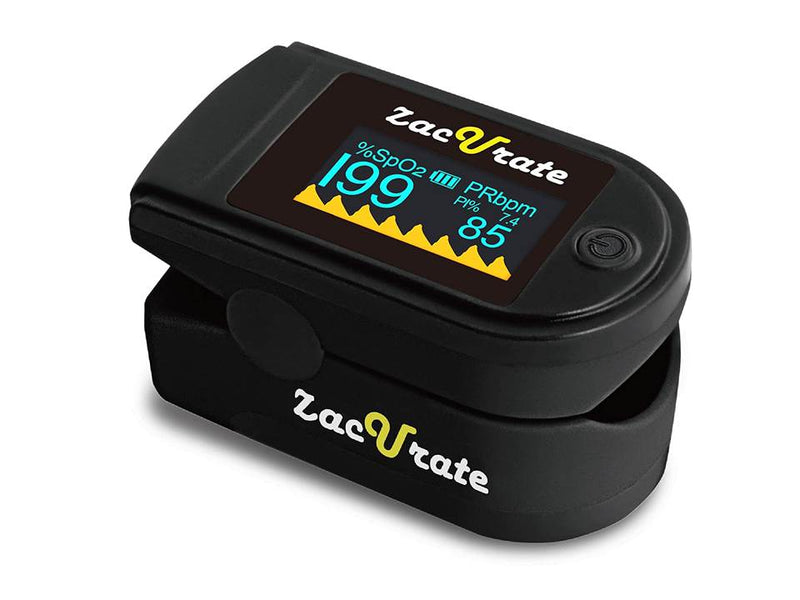 Zacurate 500C Elite Mystic Black View on Amazon.comAffiliate link | Rotating OLED with adjustable brightness | Yes, with pulse waveform | No Bluetooth |
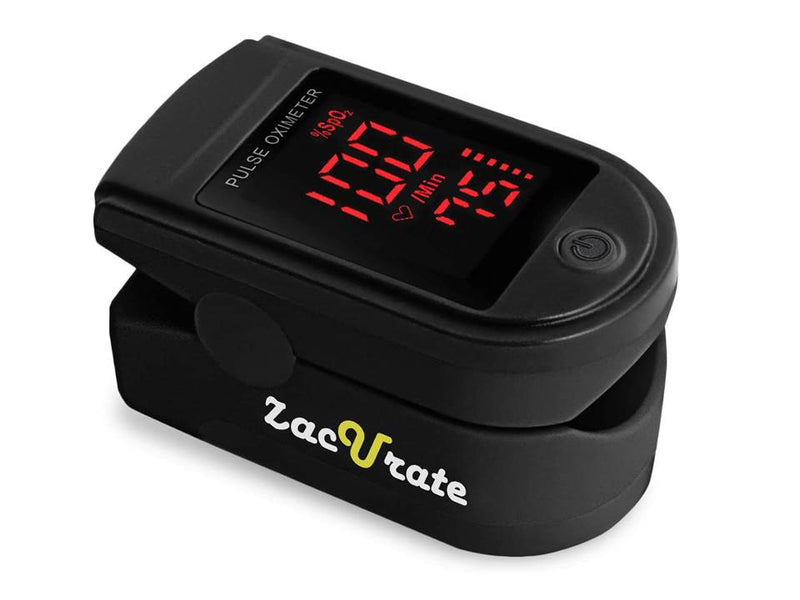 Zacurate 500DL Pro Series Royal Black View on Amazon.comAffiliate link | LED with large digits | Not listed on the product page | No Bluetooth |
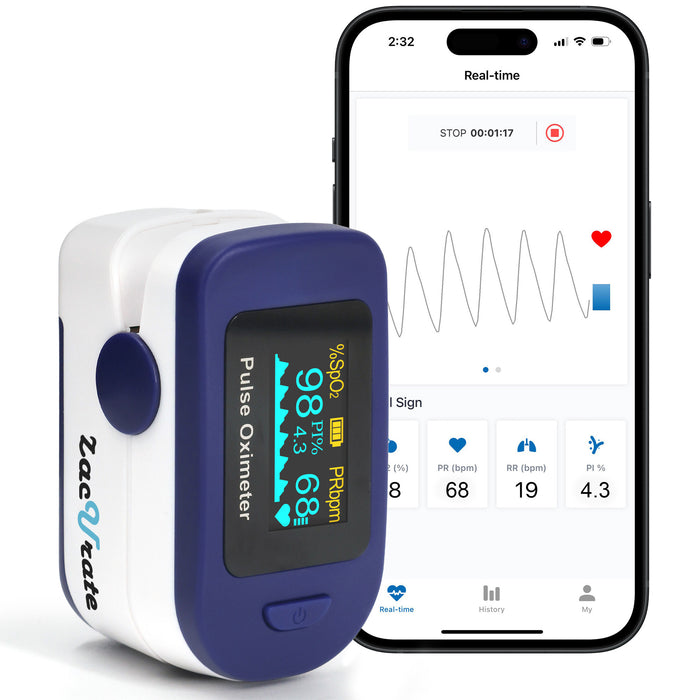 Zacurate 500B-B Blue View on Amazon.comAffiliate link | OLED with pulse waveform | Yes | Bluetooth, Beyond Oximeter |
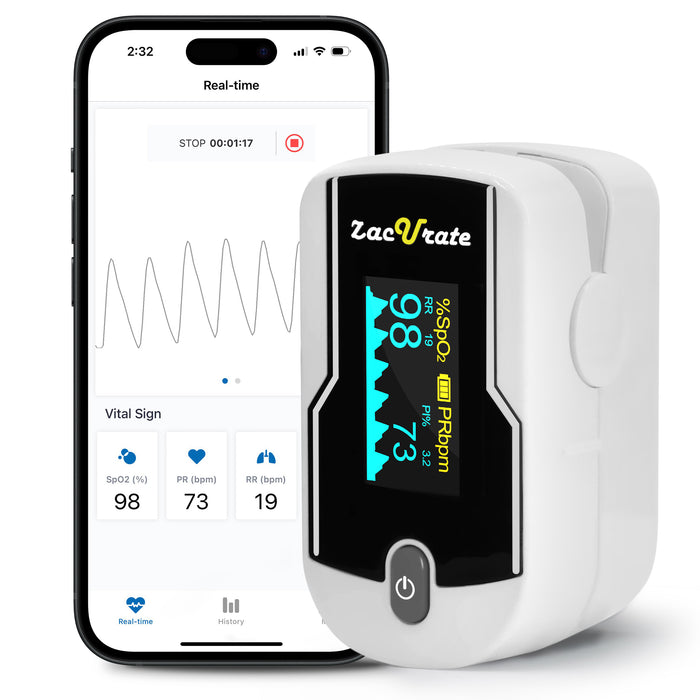 Zacurate 500E-B White View on Amazon.comAffiliate link | Rotating OLED with pulse waveform | Yes | Bluetooth, Beyond Oximeter |
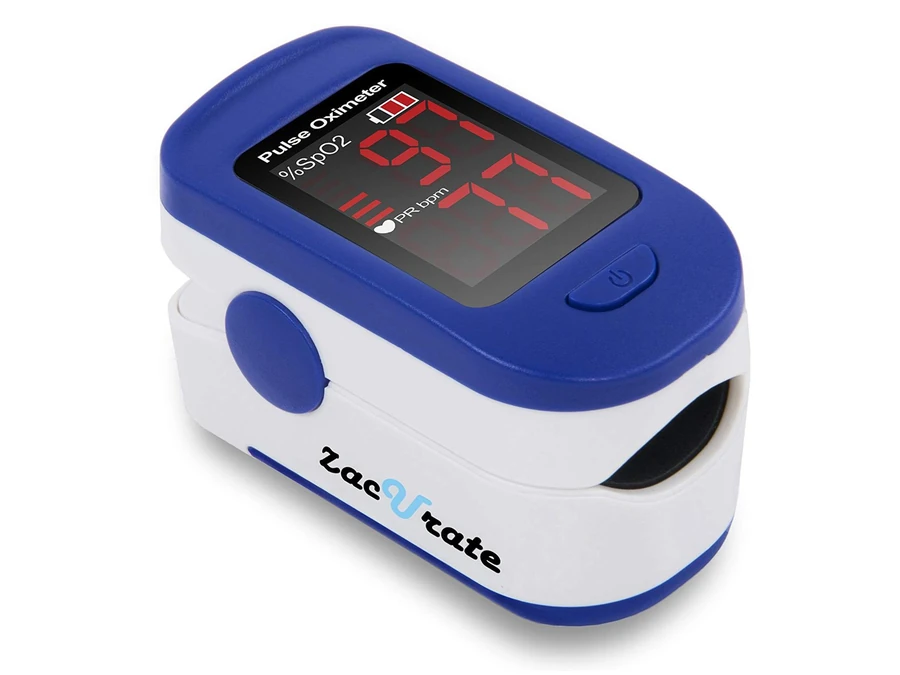 Zacurate 500BL Affiliate link | LED display | Check exact model; no PI listed | No phone connection |
Decide where you want to review the reading first. The 500DL Pro Series shows the basic values. The 500C Elite adds PI, a waveform, and display controls. According to Zacurate, both Bluetooth models transfer readings to a phone with Beyond Oximeter. The table compares that difference along with the finish and display.
What sets each model apart
Zacurate 500C Elite Mystic Black
The 500C Elite in Mystic Black adds a perfusion index, pulse waveform, and audible alerts. Check the thresholds in the manual if you plan to use the alerts. See the product guide.
You can rotate the OLED display and adjust its brightness. Zacurate distinguishes the pulse beep from reminders when selected limits are crossed. If you want PI to help understand the signal, check that the listing matches the Mystic Black model in the table.
Zacurate 500DL Pro Series Royal Black
The 500DL Pro Series in Royal Black shows estimated oxygen saturation and pulse rate on its LED display. It can suit you if you want to read those two numbers directly on the device. See the product guide.
Royal Black is designed for viewing estimated oxygen saturation and pulse on the screen. If you mainly want a spot check, focus on the digit size and how the clip fits. If you also need a numeric PI, the 500C Elite includes it.
Zacurate 500B-B
The blue 500B-B shows a perfusion index and pulse waveform alongside SpO₂ and pulse rate. If you want to save readings, check whether your phone supports Beyond Oximeter. See the product guide.
Before choosing it for the app, check that Beyond Oximeter is available on your phone. Then confirm that a saved reading appears with its date and in the intended profile. You can also check spot readings on the device display.
Zacurate 500E-B
The white 500E-B also has Bluetooth and an OLED display. Confirm the 500E-B model number and white finish on the listing. See the product guide for what you can save with the app. See the product guide.
The white finish helps identify it when comparing listings. Zacurate documents six display layouts, a waveform, PI, and the Beyond Oximeter app. If Bluetooth is your reason to choose between the 500E-B and 500B-B, check your phone first, then match the model on the package.
Zacurate 500BL vs. 500DL
The Zacurate 500BL is the navy blue Standard Series model. It shows estimated SpO₂ and pulse on an LED display and does not save readings. The manufacturer lists the 500DL separately as the Pro Series.
Four situations to help you choose
- You want two readings on the device. Check the 500DL Pro Series and its LED display.
- You want to see signal information and set alerts. Review the 500C Elite’s display and sound features.
- You want to save readings on your phone. Compare the 500B-B and 500E-B and confirm that the app works on your phone.
- A healthcare professional asked you to take readings. Ask your healthcare team which device and intended use are appropriate for you.
If you share the device, decide whether showing the screen is enough or you want a record for each person. In the latter case, check how the app separates data before using it for multiple people. If you need to record an entire session, look at the ring and wrist options and their storage limits.
What to check before you buy
Does a higher perfusion index mean the oximeter is more accurate?
The perfusion index describes the pulse signal at the finger. On its own, it can’t establish how accurate one device is compared with another.
What should I check on Amazon.com?
Confirm the model, color, seller, and delivery to your ZIP code. Each button opens the variant named in that row.
Read the full name on Amazon.com and compare it with the box and photo. Color alone does not identify every feature. If two listings look similar, choose by the job you need the device to do and verify the manual for the model you select.