Pulse oximeter guides · Canada
Ring and wrist pulse oximeters
Compare two LOOKEE ring kits for Canadian buyers. Then check how an overnight ring or wrist sensor fits, what it records and how you can share the report.
As an Amazon Associate I earn from qualifying purchases.
LOOKEE Ring vs. Ring-Pro in Canada
Both offers identify the ring as Oxylink. Health Canada lists that identifier under LOOKEE’s active Class II medical device licence 108987. LOOKEE specifies four-second recordings of oxygen saturation, pulse and movement. Compare which reporting tools come in each kit.
| Kit | Reports | Canadian listing |
|---|---|---|
| LOOKEE Ring | Mobile reports in the LOOKEE app | Check on Amazon.ca ↗Affiliate link |
| LOOKEE Ring-Pro | Mobile app, PC software and USB data cable | Check on Amazon.ca ↗Affiliate link |
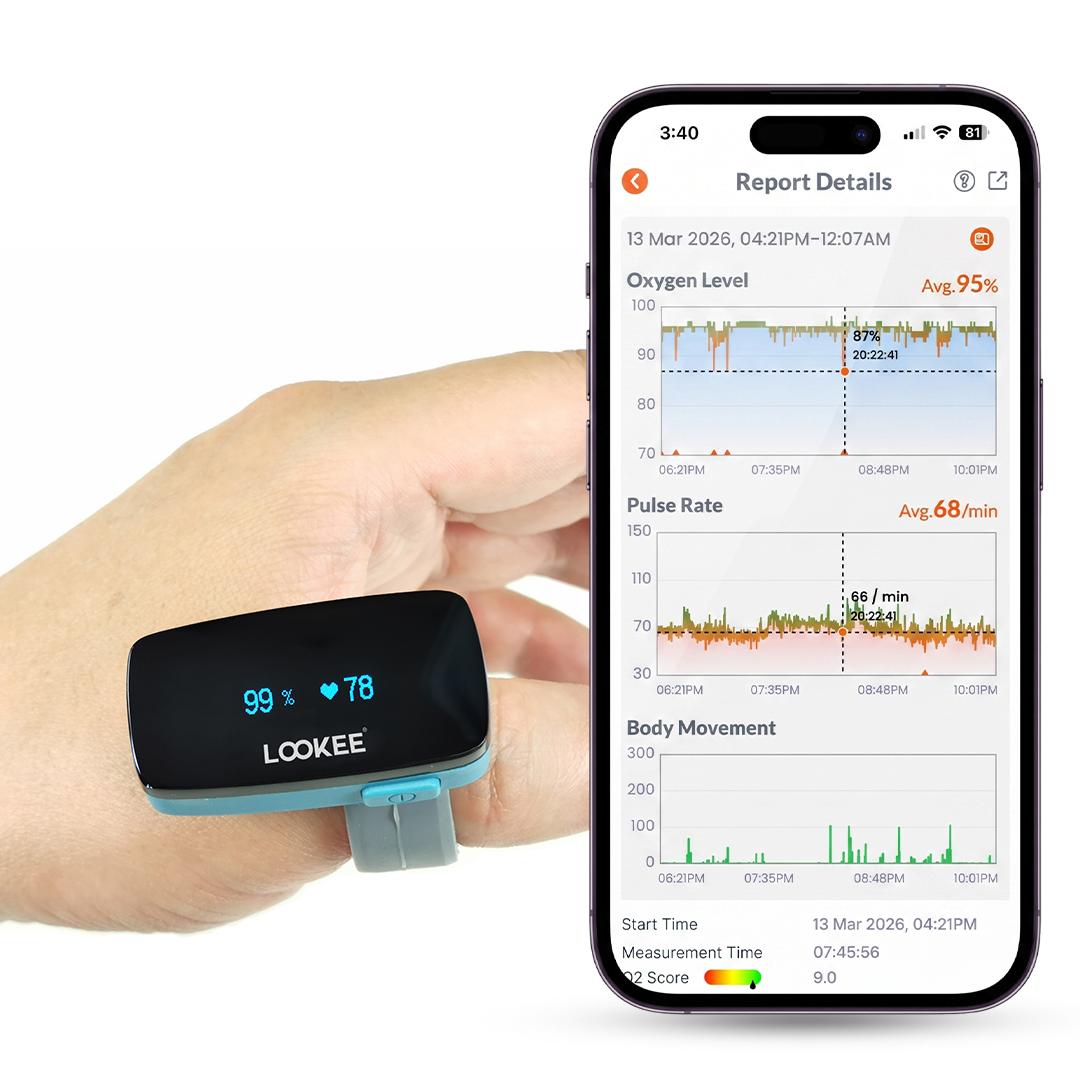
LOOKEE Ring
View and share an overnight report from the LOOKEE app on a compatible phone.
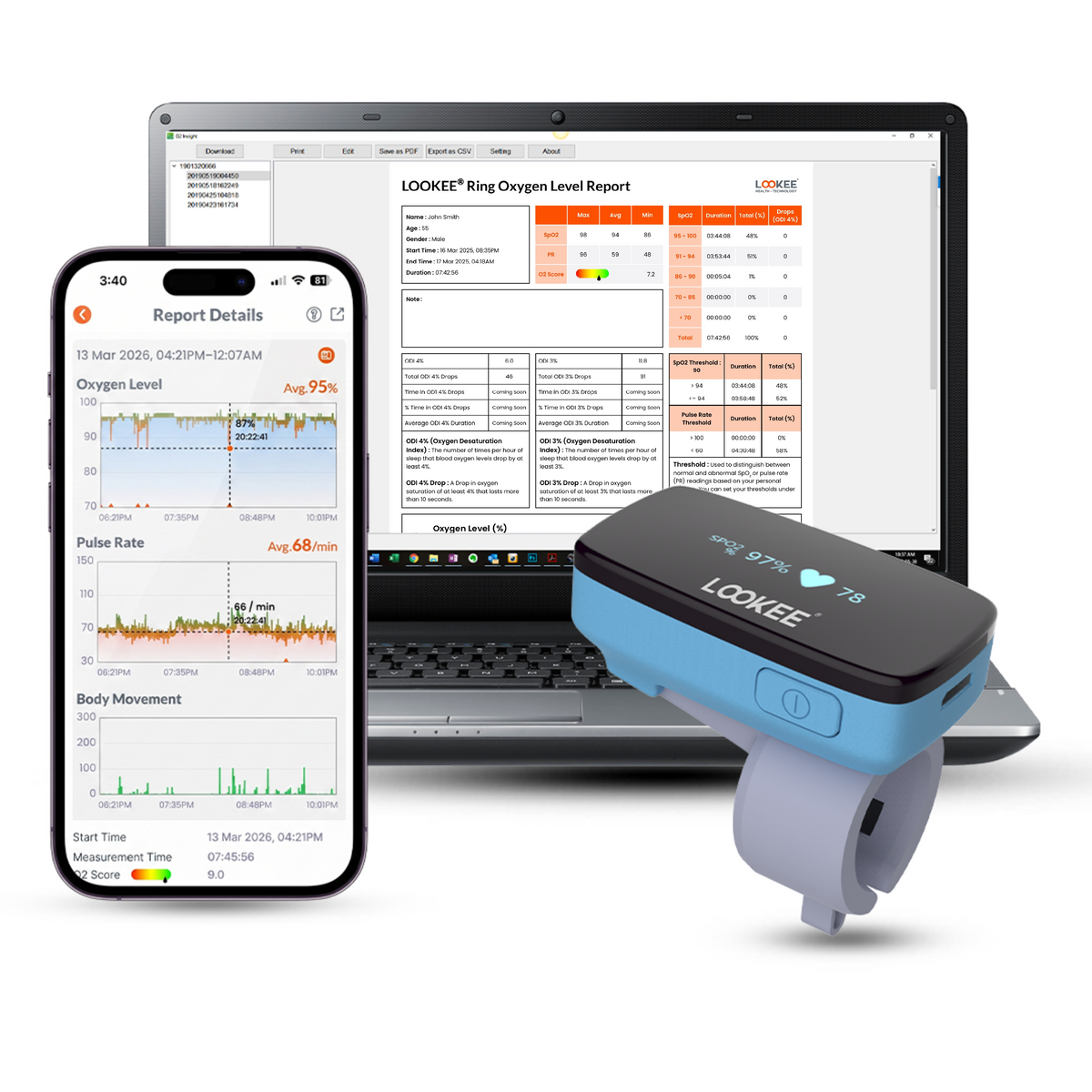
LOOKEE Ring Pro
Choose the Pro kit if you need the included PC tools and data cable as well as the mobile app.
Fingertip clip, ring or wrist unit?
Most fingertip clips are designed to show the numbers for a single check. A recording ring keeps its sensor at the finger and may save readings to the device or an app. A wrist unit may hold the battery and display while a separate probe stays on the finger. Check where the light sensor sits in the exact system you are considering.
| Format | Feature to verify in the manual |
|---|---|
| Fingertip clip | Fit, display and whether the clip is designed for a spot check |
| Recording ring | Finger size range, battery span and whether it stores readings independently |
| Wrist unit with a probe | Probe model, where it fits, and whether it is included in the package |
Check the record before you need it
Look for the recorded measurement interval, battery duration under the stated recording settings, and the longest record you can save or export. If you need to share a diary or a file with a clinician, ask what format they will use before choosing a device.
Find out whether the phone must stay connected while the device records. If an app displays an average or summary, look for the interval it covers and how periods without a usable signal appear. A brief gap and a low reading require different interpretation.
Check sensor fit and intended use
Health Canada notes that fit, placement, movement and skin tone can affect pulse oximeter results. Verify the exact device and probe against the manual and, for a medical device, the Canadian licence record. Use a health care provider’s instructions if you have been asked to monitor readings over time.
Differences in sensor placement and recording settings can make two reports look different. Before changing a monitoring plan, bring the device information and any exports to your health care provider.